
The decision this guide helps you make
Website maintenance covers the recurring work needed to keep content, dependencies and important customer journeys usable. It includes checking forms, links, releases, backups and account ownership within an agreed support scope.
Plan updates, backups, form tests, access reviews and content checks with named owners rather than relying on an undefined maintenance package.
Agree what is monitored, who reviews failures, how changes are tested and who owns restoration. Choose support coverage based on the site’s operational importance.
A practical example to test the choice
A dependency update may complete successfully while breaking the mobile menu. A maintenance check should test that visitor task rather than conclude that an installed update proves the website works.
This is an illustrative planning scenario, not a claim about a completed client project. Use your own records and operating rules to confirm whether the approach fits.
Define what maintenance means for this site
List the platform, hosting, domain, extensions, external services and the people who control their accounts. A static exported site, a CMS and an online shop have different maintenance needs. The scope should name the systems and responsibilities rather than imply that one monthly fee covers every possible incident.
Separate routine updates from new functionality, content editing and urgent investigation. Agree how issues are reported, who approves changes and what coverage or response expectations apply. Those terms need a written agreement; they should not be inferred from a general website-support label.
A website brief for UAE audiences
Define the customer task before adding more pages. For a UAE business, list the emirates or delivery areas you actually serve, the information a customer needs and the route from a service or product page to an enquiry. Keep genuine project evidence separate from stock imagery and avoid suggesting a local office unless it exists.
If English and Arabic are required, name the content owner for each language and scope right-to-left layouts, paired pages and translated validation messages. Plan AED display, supported contact channels and mobile form testing where relevant. Country targeting belongs in useful content and regional URLs; repeating city names throughout a page does not replace a clear offer.
Connect backups to a recovery plan
Decide which files, database records, configuration and external-service settings would be needed to restore the site. A backup file existing somewhere is different from a tested recovery process. Record where the copies are held, who can retrieve them and what the restore depends on.
For WordPress specifically, the official documentation recommends backups and compatibility checks around updates. Other platforms need their own release procedures. Review what changed, use an appropriate test environment and retain a practical route to recover if the update affects a critical task.
Check the functions customers depend on
Prioritise navigation, forms, purchases, booking links and content accuracy. Confirm the destination of an enquiry, not only that the form is displayed. Review expired offers, broken internal links and access for people who no longer maintain the site.
Set a review rhythm based on business risk and the rate of change. A frequently updated store and a stable brochure site will not need identical checks. Keep a simple log of what was reviewed, the result and the next owner so maintenance remains understandable when staff or suppliers change.
Use a responsibility register
For every component, record the provider, business account owner, maintenance owner and the change that should trigger a check. Examples include moving email, renewing a licence or replacing a booking service. Keep the register somewhere the business can access when a supplier is unavailable, but store secrets through an appropriate secure process. Review the register when people leave or services change. It is often more useful during an incident than a generic statement that the website is maintained.
| Component | Responsibility to name |
|---|---|
| Domain and hosting | Renewal, access and recovery owner |
| Application or CMS | Update, approval and release owner |
| Forms and integrations | Destination and incident-investigation owner |
Worked example: a planning exercise
Hypothetical example: a company changes email provider but keeps the same visible contact address. Its website form still relies on an old routing configuration, so messages fail. A maintenance check that confirms receipt after supplier changes catches the problem; a checklist limited to plugin versions does not.
Your practical checklist
Use these checks to turn the discussion into decisions that can be assigned, tested and reviewed.
- Inventory the platform, accounts and external dependencies.
- Separate updates, incident support and enhancement work.
- Record backup contents, access and a tested recovery method.
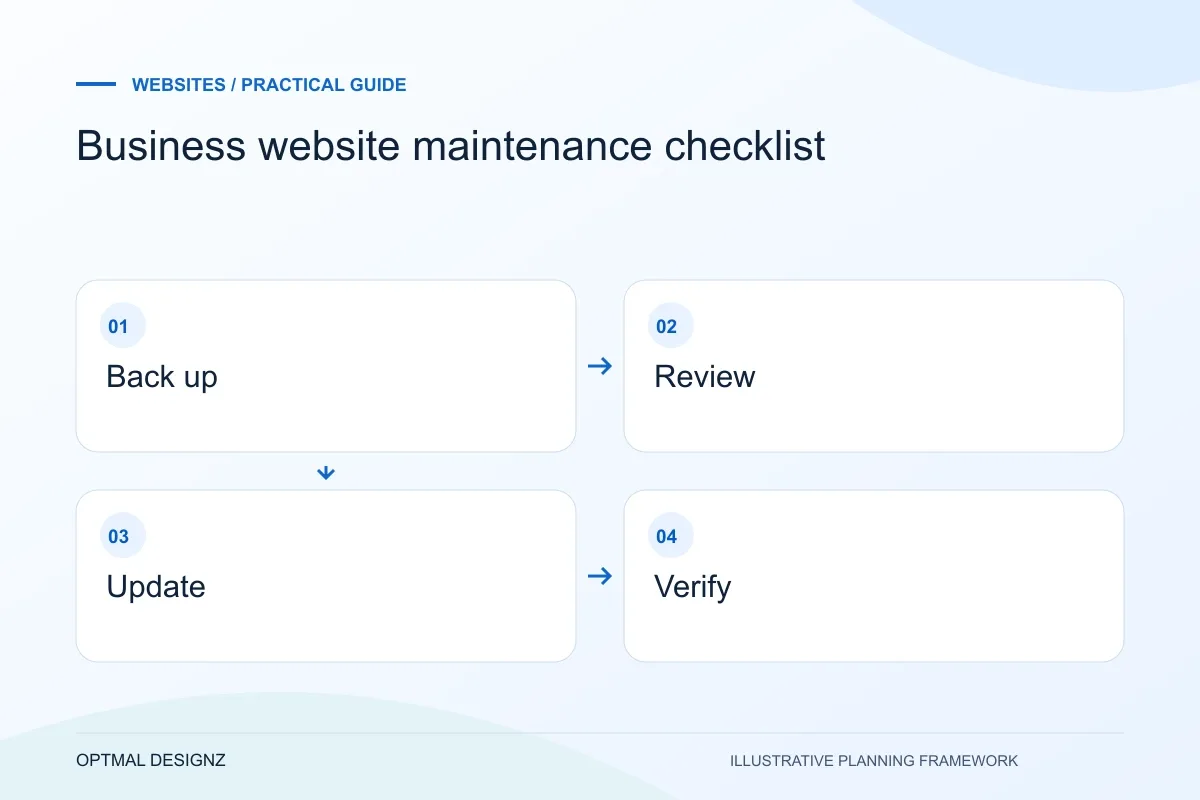
- Review compatibility and critical journeys after releases.
- Confirm form delivery and transaction flows after supplier changes.
- Maintain an issue log and remove obsolete access.
Apply the checklist to your UAE project
For a UAE brief, compare the information needed by a visitor in Dubai, Sharjah or Abu Dhabi and state the service or delivery coverage honestly. Define English and Arabic content ownership, RTL testing and the enquiry destination where those languages are required.
Use the example above to discuss business website maintenance checklist with the people who will use or approve the result. Ask a supplier to demonstrate the expected output, explain a failure case and identify what is excluded from the proposal.
Related services and next steps
Sources and further reading
Check source guidance directly, especially where platform details or requirements can change.