
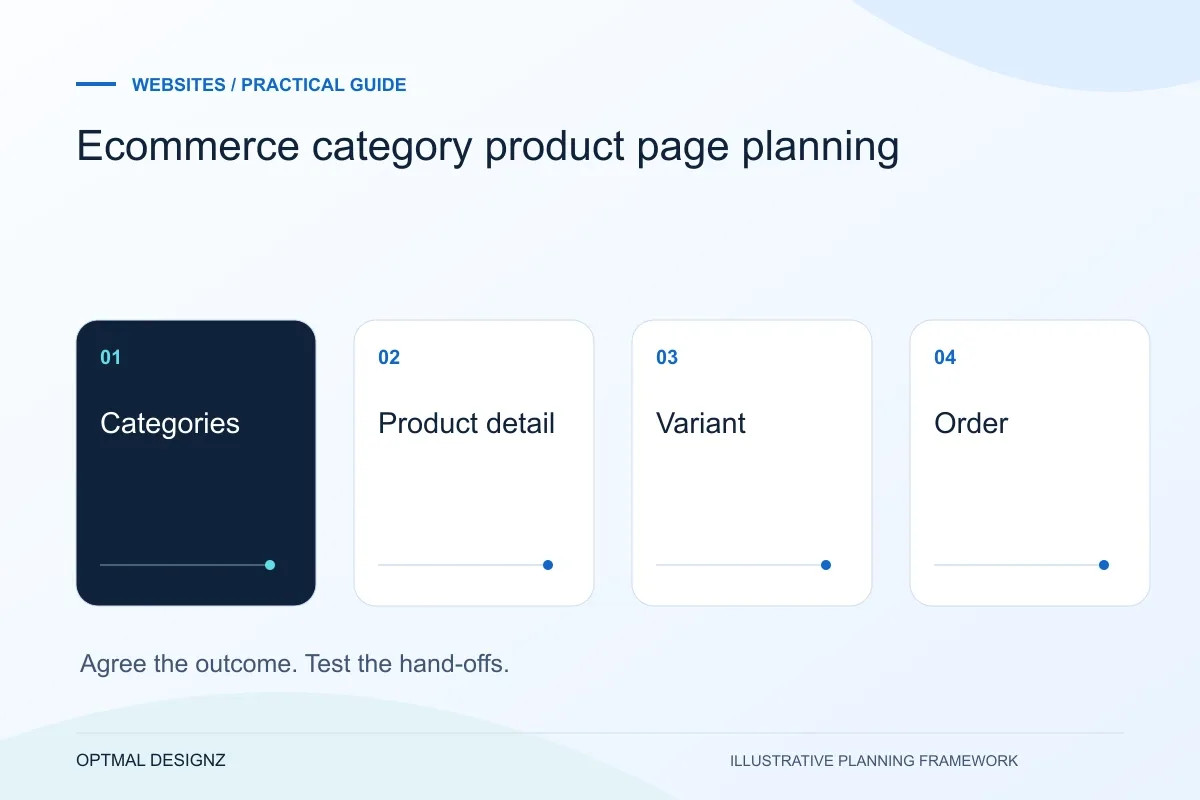
The decision this guide helps you make
Ecommerce category pages help shoppers narrow their choice; product pages explain the specific item, variant, price and buying conditions. Plan both around the information needed to choose and complete an order.
Organise categories, variants, product details and internal links so customers can find suitable products and the team can maintain a coherent catalogue.
Define product data, filters, variant behaviour, images, delivery information and stock ownership together. Test product selection through basket confirmation rather than reviewing page designs separately.
A practical example to test the choice
A category filter might narrow shoes by size, but the product page still needs to show the selected variant’s actual availability. A filter that leads to unavailable choices frustrates the buying journey.
This is an illustrative planning scenario, not a claim about a completed client project. Use your own records and operating rules to confirm whether the approach fits.
Organise the catalogue around buying questions
Start with the ways customers distinguish products: purpose, size, compatibility, material or another relevant attribute. A category should help narrow a choice, while a product page should answer whether that item fits. Do not create a large category tree solely to hold different search phrases.
Review a representative sample of products, including an item with many variants and one with limited information. Identify the fields that help customers decide and which records staff can maintain reliably. Missing or inconsistent attributes can make filters misleading even when the interface looks polished.
A website brief for UAE audiences
Define the customer task before adding more pages. For a UAE business, list the emirates or delivery areas you actually serve, the information a customer needs and the route from a service or product page to an enquiry. Keep genuine project evidence separate from stock imagery and avoid suggesting a local office unless it exists.
If English and Arabic are required, name the content owner for each language and scope right-to-left layouts, paired pages and translated validation messages. Plan AED display, supported contact channels and mobile form testing where relevant. Country targeting belongs in useful content and regional URLs; repeating city names throughout a page does not replace a clear offer.
Connect navigation, URLs and product availability
Google’s ecommerce guidance explains how navigational links help it understand relationships between categories and products. Provide meaningful links through the hierarchy rather than relying entirely on a search box. Review breadcrumbs and related items as part of the customer route, not as isolated SEO decorations.
Agree how variants and unavailable products are handled, including which URLs should represent the indexable content. Follow the relevant platform and Google guidance when implementing canonical and navigation rules. A product becoming temporarily unavailable is an operational state that needs a deliberate customer and search-handling decision.
Test the hand-off into checkout
Confirm the selected variant, price, quantity and availability remain consistent when the product enters the basket. Show necessary delivery or compatibility information before a buyer commits. If the stock system controls availability, define the timing and correction path for updates.
Ask staff to create, amend and retire a product using the proposed structure. Check that menus, related links and old addresses remain sensible after the change. A catalogue design is successful only if its publishing workflow can keep the customer-facing information current.
Request a catalogue field dictionary
Record what each product field means, its allowed values, its owner and the customer-facing places that use it. Include which attributes create variants and which support filters or comparison. Test the dictionary against new, changed and retired products so it reflects the publishing workflow rather than only the first import. When connecting stock or order systems, use the same definitions in the mapping. This makes a disagreement over a product record easier to diagnose than a generic report that search or stock is wrong.
| Field group | Decision to record |
|---|---|
| Classification | Category and filter values customers can understand |
| Variant identity | The exact sellable and stock-tracked item |
| Availability | Source, timing and unavailable-product handling |
Worked example: a planning exercise
Hypothetical example: a clothing catalogue uses colour as free text on some products and a fixed option on others. A filter hides available items because the values differ. The first improvement is a consistent attribute and migration plan, followed by testing the filters and variant-to-basket journey, rather than adding more category landing pages.
Your practical checklist
Use these checks to turn the discussion into decisions that can be assigned, tested and reviewed.
- Choose categories and filters from genuine buying distinctions.
- Define consistent product attributes and variant identifiers.
- Check navigation links and breadcrumbs through the catalogue.
- Agree URL and availability handling with the platform team.
- Test selected variant details through to the basket.
- Include creation, correction and retirement in staff testing.
Apply the checklist to your UAE project
For a UAE brief, compare the information needed by a visitor in Dubai, Sharjah or Abu Dhabi and state the service or delivery coverage honestly. Define English and Arabic content ownership, RTL testing and the enquiry destination where those languages are required.
Use the example above to discuss ecommerce category product page planning with the people who will use or approve the result. Ask a supplier to demonstrate the expected output, explain a failure case and identify what is excluded from the proposal.
Related services and next steps
Sources and further reading
Check source guidance directly, especially where platform details or requirements can change.