
The decision this guide helps you make
A retail stock count compares physical goods with the system’s recorded quantity and provides a controlled correction process. It needs a defined counting period, location and treatment of movements during the count.
Prepare products, locations, movement rules and approval checks so a physical count leads to explainable inventory corrections.
Define product and location identifiers, count ownership, recount thresholds and adjustment access. Reconcile a sample of sales, returns and transfers around the count.
A practical example to test the choice
An item sold while staff are counting can look like a discrepancy unless the count uses an agreed cut-off or movement rule. A correction should retain its reason and approval.
This is an illustrative planning scenario, not a claim about a completed client project. Use your own records and operating rules to confirm whether the approach fits.
Decide what the count represents
Name the location, product set and count period. Agree which goods are included, such as shop-floor items, stockroom units, reserved goods and returns waiting for inspection. A count cannot produce a meaningful comparison if the expected quantity and the physical count refer to different sets of items.
Plan what happens to sales, receipts and transfers while counting takes place. Depending on the platform and operation, that may involve a controlled pause or an explicit way to account for movements. Do not assume staff can count at any time while the system automatically resolves every timing difference.
Assess the actual Saudi till, payment and invoice setup
List the POS edition, terminals, printers, scanners and merchant accounts in use. Follow a sale through payment status, stock and finance reconciliation. A product demonstration does not establish support for a specific Saudi terminal, account or interface; obtain confirmation for the chosen setup.
Review invoice requirements with finance using current ZATCA materials, including any applicable FATOORA connection. Plan SAR amounts, returns, branch permissions and recovery when a connection fails. Test a complete sale and correction with representative staff before expanding to more stores.
Prepare identifiers, equipment and responsibilities
Resolve ambiguous variants and duplicate or unreadable labels before the count. Confirm staff access and supported equipment. Shopify’s count guidance illustrates that planning and approval are separate activities and that platform features can depend on the account setup. Check the actual supplier instructions instead of copying another product’s menu sequence.
Assign sections or tasks in a way the team can follow, and decide how to handle an unknown item. A discrepancy should trigger a documented review or recount rather than a guess intended to make the totals agree. Keep the reason for accepted adjustments understandable to the stock owner.
Review corrections before they affect selling
Compare significant differences with recent movements and the physical evidence. Confirm who can approve the adjustment and what record will explain it later. Test a sample count and correction in the intended system before a large operational exercise.
After approval, check the resulting available quantities in the relevant tills and connected channels. Investigate delayed or failed updates rather than assuming a saved count immediately changed every external system. Review the recurring causes of discrepancies so future counts address the workflow as well as the numbers.
Use a count-control sheet
Document the products and locations covered, who counts and who approves the result. Include the handling of stock movements and the evidence needed for a recount. Record significant differences and their agreed explanations before corrections become available stock. Keep the sheet with the count outcome so a later reviewer can understand why quantities changed. The practical benefit is a repeatable method for the next exercise, rather than an unexplained adjustment that makes this week’s numbers look tidy.
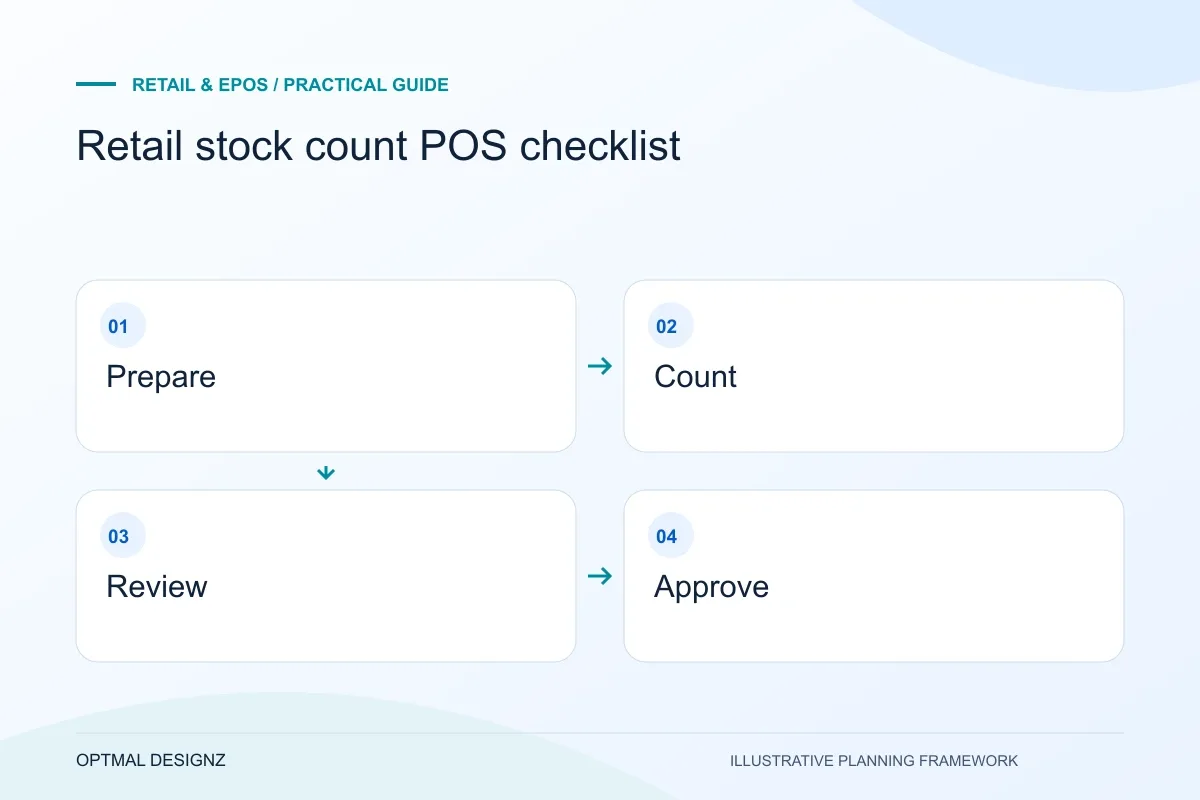
| Count stage | Control to agree |
|---|---|
| Preparation | Product scope, identifiers and movement rules |
| Review | Recount and discrepancy-investigation criteria |
| Approval | Responsible owner and connected-channel checks |
Worked example: a planning exercise
Hypothetical example: a branch counts a product while a transfer is being received. The apparent shortage is partly a timing mismatch. The count procedure requires checking the transfer state before approving an adjustment, preventing the same units from being added twice when the receiving step is completed.
Your practical checklist
Use these checks to turn the discussion into decisions that can be assigned, tested and reviewed.
- Define the location, products and included stock states.
- Agree handling for sales, receipts and transfers during counting.
- Prepare clear identifiers, access and supported equipment.
- Give unknown items and discrepancies a review route.
- Approve and document adjustments with the stock owner.
- Verify the corrected quantities across the relevant channels.
Apply the checklist to your Saudi project
For a Saudi trading workflow, test sales, returns and branch permissions using the actual SAR, device and provider configuration. Review any invoice connection separately with the responsible finance specialists; a working till is not evidence of statutory approval.
Use the example above to discuss retail stock count pos checklist with the people who will use or approve the result. Ask a supplier to demonstrate the expected output, explain a failure case and identify what is excluded from the proposal.
Related services and next steps
Sources and further reading
Check source guidance directly, especially where platform details or requirements can change.